Every instrument, its own part
Turn a full band score into a clean sheet for every player. Import photos or a PDF, and Score Splitter makes the Vocal, Guitar, Bass and Drums parts for you.
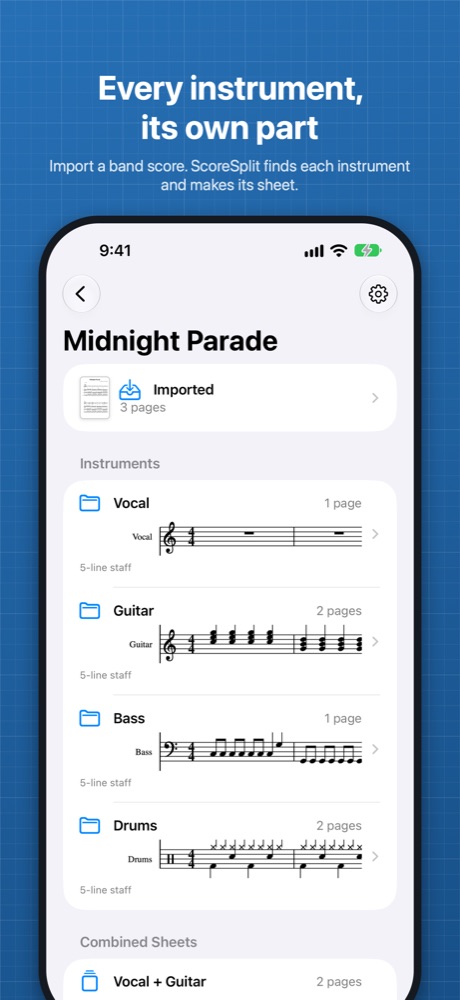
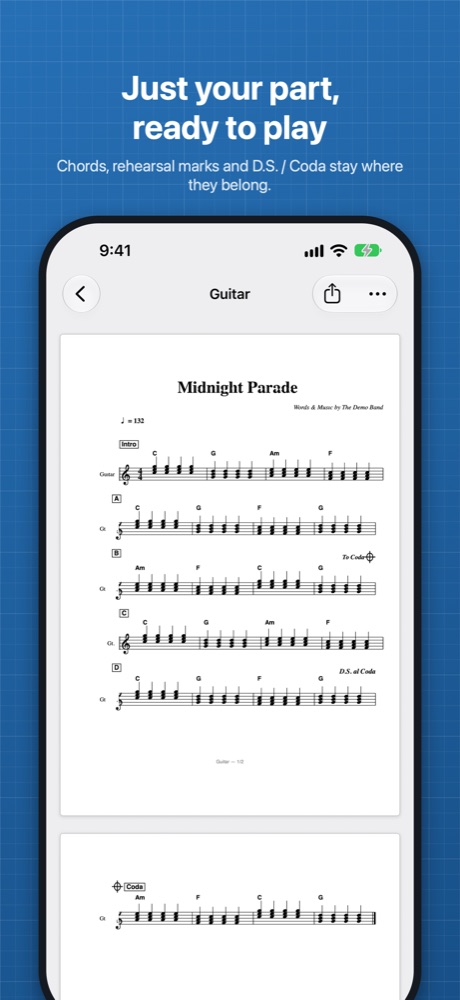
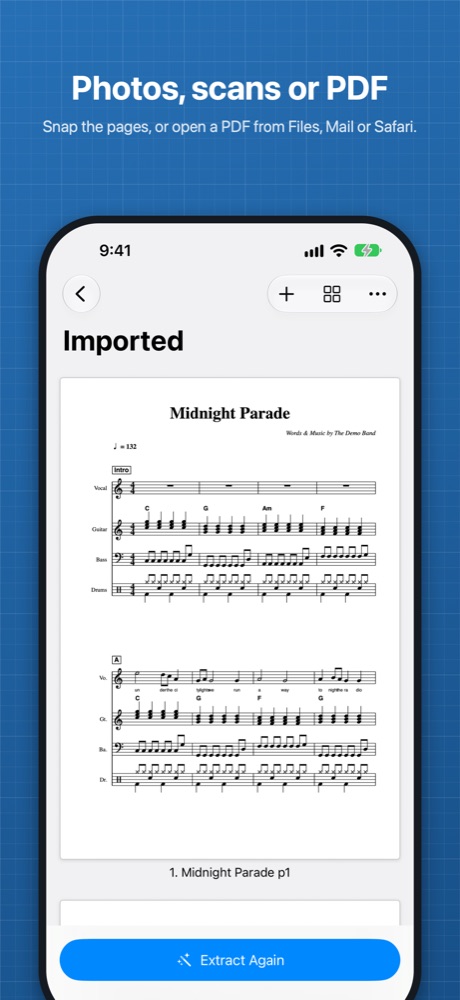
A band score prints every part on every page: vocal, guitars, bass, keys and drums stacked in each system. That's what the arranger needs, but on stage you only need your own line. Score Splitter finds each instrument's staves and lays them out again on clean pages, so you get a part you can actually read.
How it works
- Scan the pages with the camera: Score Splitter finds the corners of the paper, crops and straightens each page. Or choose them from your photo library, or open a PDF from Files, Mail or Safari.
- Score Splitter finds the staves in each system and reads the instrument names printed beside them (English and Japanese).
- Each instrument gets its own set of pages, ready to view, share or export as a PDF.
Keeps what matters
- The song title, tempo, chord names and rehearsal marks appear on every part.
- Navigation marks such as D.S., D.C., Segno, Coda, To Coda and Fine stay on every part, so the road map still works.
- Lyrics stay with the vocal line.
- Standard notation and 4- and 6-line TAB are supported.
- Show or hide chord diagrams, separately for guitar parts and other parts.
Combined sheets
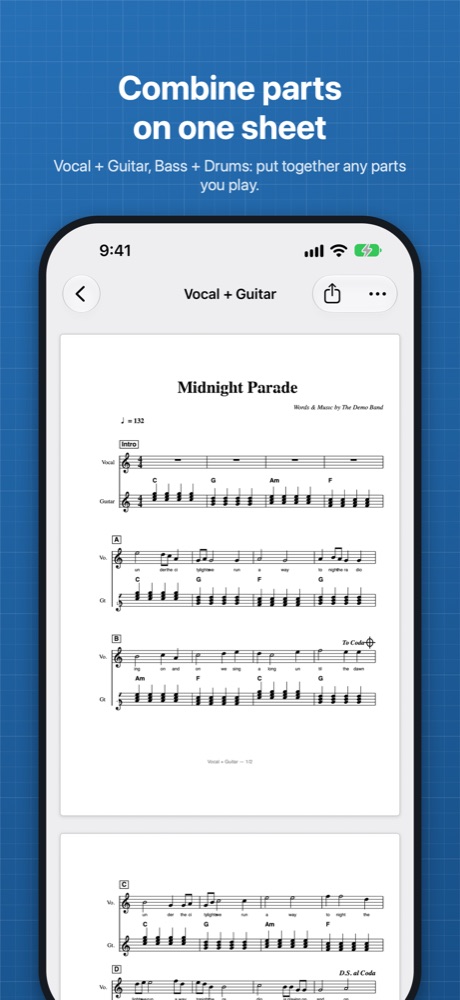
Want the vocal line above your guitar, or bass and drums together? Put any instruments on the same pages, with their staves shown together in each system, just like the original.
Organize your songs
- Keep every song in one library, with its imported pages and all its parts.
- Add, remove or reorder pages, then extract again.
- Rename parts, and pinch or double-tap to zoom in.
Try it free
Split your first 3 songs for free, with every feature, and keep them. Unlock Score Splitter Pro once to split unlimited songs on iPhone, iPad and Mac, with your songs synced through iCloud. No subscription.
Private by design
Everything is processed on your device. No account, no tracking. With Pro, your songs sync through your own iCloud account, nowhere else. See the privacy policy.
Good to know
Score Splitter copies the notation from your pages; it doesn't read or play back the notes. So each part looks just like your original score. Clear, straight photos or scans give the best results. Please use scores you own or are allowed to copy.
Questions? See Support.